Choosing an AI image generator without wasting hours
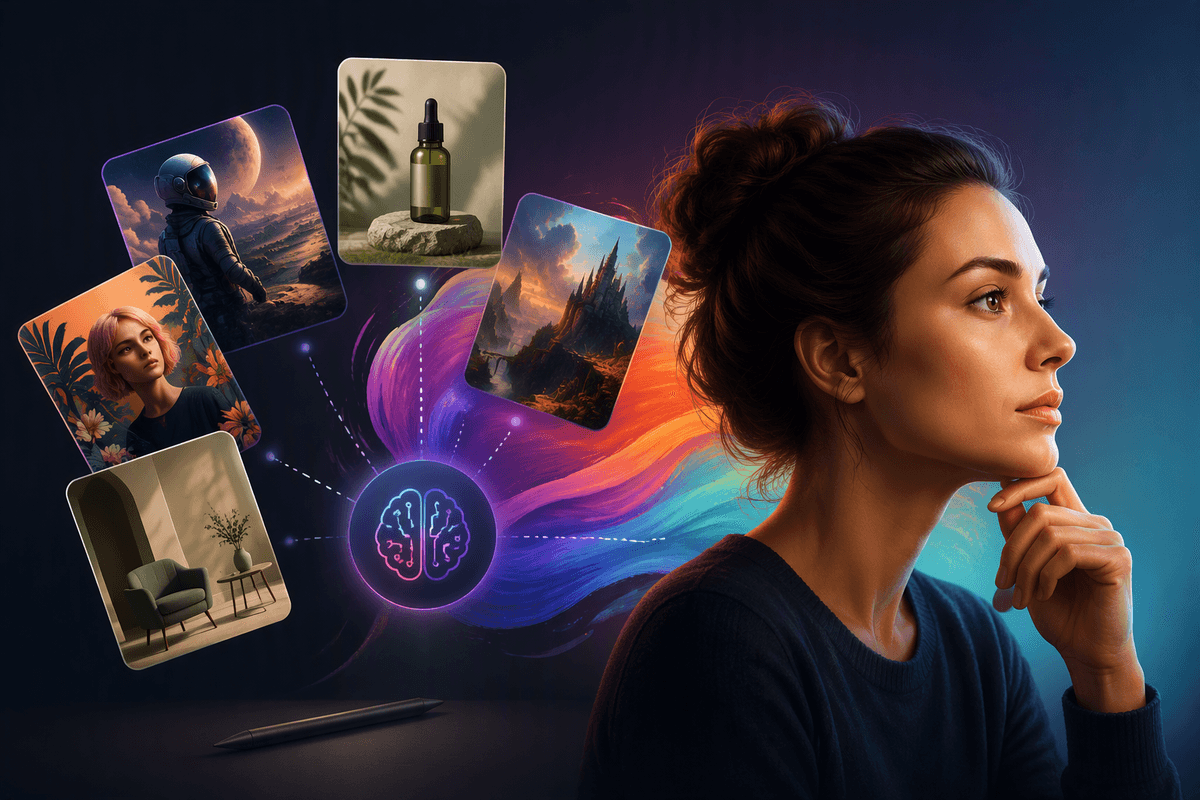
You can lose an afternoon “testing” AI image tools and still be unsure, because most demos are tuned to look good with a few showcase prompts. The faster approach is to treat this like picking a camera: you’re balancing output quality, how much control you need, and how often you’ll reuse a repeatable style. If you mostly need quick social graphics, speed and templates matter more than perfect detail. If you’re doing product visuals, consistency and editability matter more than surprise.
Expect trade-offs. The highest-quality models can be slower, more expensive, or harder to steer. Tools with tight workflow features may limit style range. Licensing and “commercial use” terms also vary, and that’s a real constraint if you publish client work.
Start with your use case: art, marketing, or product work
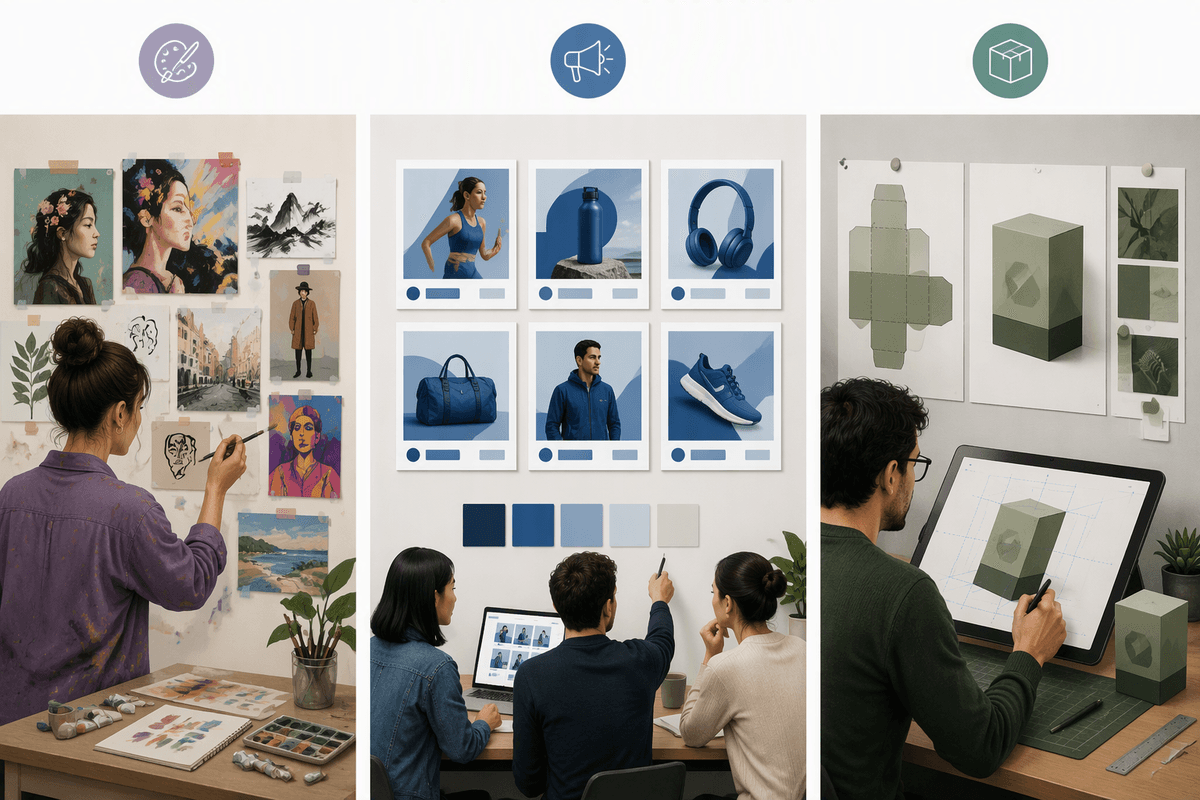
If you open three generators and type the same prompt, you’ll usually get three “good” images—and still pick the wrong tool. The deciding factor is what you’re trying to produce repeatedly. For personal art and exploration, you’ll care most about style range, how well the tool follows nuanced prompts, and whether it supports iterative variation without fighting you. You can tolerate a slower workflow because the output is the point.
For marketing, the win is consistency at speed: on-brand colors, readable text space, and the ability to generate sets (five ads, ten thumbnails) that feel like one campaign. You’ll also want easy resizing, background removal, and quick revisions. For product work—mockups, packaging, app screens—control beats novelty. Look for predictable composition, image-to-image editing, and ways to lock details. The constraint here is time: tighter control usually means more setup and more prompt tuning.
The five best AI image generators and who they fit
If you want one place to start, pick a tool that matches how you’ll work most days, not the one that wins the most impressive demo. For creators chasing distinct style and “wow” images, Midjourney is often the quickest path to high-impact results, with a learning curve around its prompting habits and a workflow that can feel less “design-tool” and more “creative lab.” If you’re writing lots of prompts and need fast iterations for blog headers, social concepts, or storyboards, DALL·E (inside ChatGPT) tends to be approachable and convenient, especially when you want to refine prompts through conversation.
For marketing teams and brand-safe production, Adobe Firefly fits when you already use Photoshop/Illustrator and want tighter handoff and editing, with the practical constraint that you may trade some stylistic range for workflow and governance. For product and design-adjacent work where control matters—image-to-image, consistent characters, or repeatable composition—Stable Diffusion (often via a hosted app or a local setup) can be the most flexible, but you’ll “pay” in setup time and parameter tuning. For small businesses that live in templates, Canva’s built-in generators are strong for speed, resizing, and campaign kits, even if the raw image quality ceiling is lower than specialist tools.
Quality versus control: when the best images aren’t enough
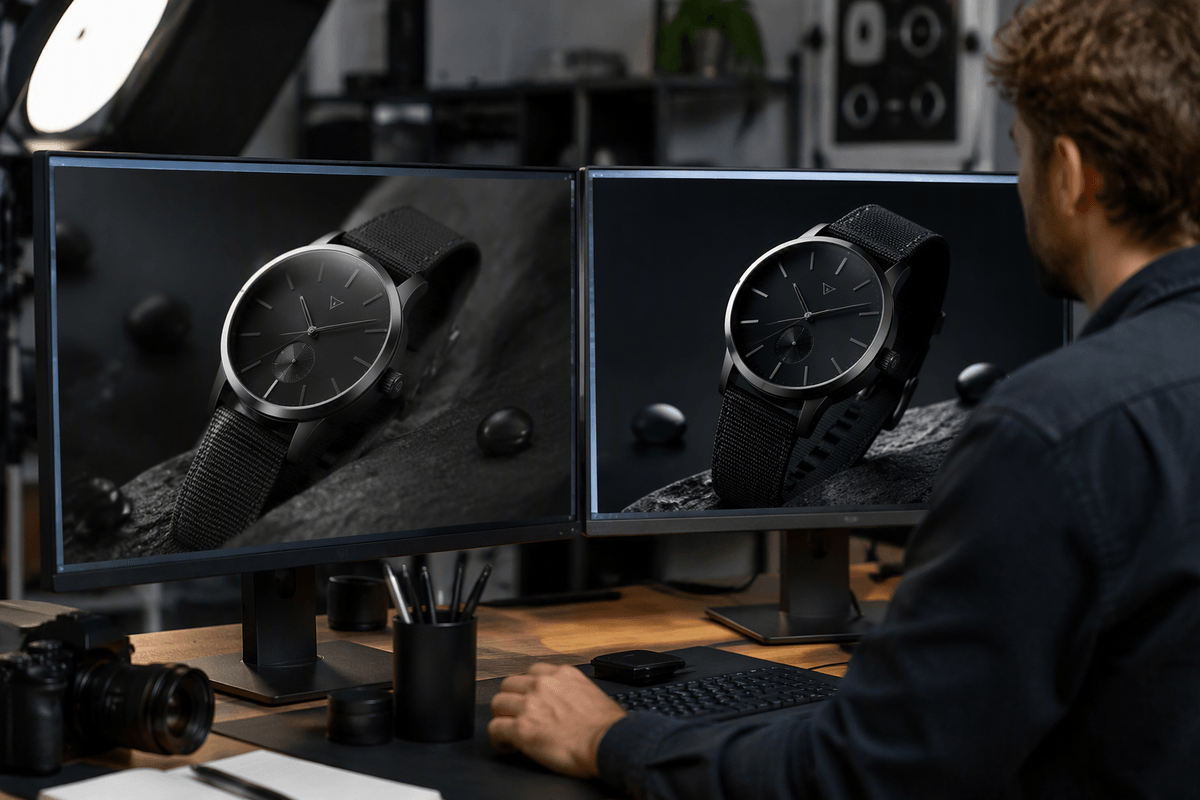
You’ll recognize the “looks amazing, but not usable” moment: the image has gorgeous lighting and texture, yet the logo is wrong, the product shape drifts, or a character changes face between versions. That’s the gap between quality and control. High-quality generators can produce striking single shots, but they may ignore small constraints—exact colors, a fixed layout, or “same scene, new angle”—that matter in real marketing and product work.
Control shows up in boring-sounding features that save projects: image-to-image edits, masks/inpainting for fixing one area without rerolling everything, reference images to lock a style, and ways to keep elements consistent across a set. The trade-off is effort. More control usually means more prompt discipline, more iterations, and sometimes extra tools in the workflow. If you’re on a deadline, “good and repeatable” often beats “best once.”
Speed, workflow, and integrations that matter day-to-day
You’ll feel the difference between tools when you’re on your third revision, not your first prompt. Speed isn’t just render time; it’s how quickly you can make a small change (swap a background, match a previous style, fix one object) without restarting the whole image. Chat-based tools can be fast for iteration because the prompt refinement is built in, while template-first tools win when you need ten sizes and formats immediately.
Workflow features usually matter more than “best possible” output: batch generation, version history, upscaling, background removal, and one-click resizing. Integrations decide whether the images actually ship—Firefly is strongest when you already live in Adobe apps, Canva is frictionless for social and light design, and Stable Diffusion setups vary widely depending on whether you use a hosted app or run local. The practical cost is context switching: every extra export, upload, and manual edit adds minutes you’ll repeat all month.
Pricing and licensing: what “commercial use” really means
Pricing looks simple until you map it to output volume. Subscriptions usually bundle “fast” generations, higher resolutions, or priority queues; credit systems punish experimentation if you’re still dialing in prompts. Watch for add-ons that quietly matter in real work: upscales, background removal, multiple aspect ratios, and API access for automations. Stable Diffusion can be cheap per image on paper, but hosted plans, GPU time, and the hours you spend tuning models are real costs. The right comparison is “finished, usable images per month,” not “images generated.”
“Commercial use” typically means you’re allowed to use the output in marketing, products, and client deliverables, but the details vary: whether you own the output or just get broad usage rights, whether attribution is required, and whether your rights change if you cancel. Some tools limit use for trademarks, celebrities, or regulated industries, and some offer stronger legal protections (or none). If you do client work, confirm you can pass rights through and keep a record of prompts and licenses tied to each asset.
A quick decision path and first prompts to try
If you’re unsure, decide based on what you can’t compromise on: for “best-looking fast,” start with Midjourney; for easiest iterative prompting and general-purpose work, start with DALL·E in ChatGPT; for brand-safe work inside a design pipeline, start with Adobe Firefly; for maximum control and repeatability, start with a Stable Diffusion app; for social kits and resizing at speed, start with Canva. Run a 15-minute test: generate three variations, then do one targeted fix (background swap or object change) and one resize.
Prompts to copy: “Create a clean product hero shot of [product], on a [background], soft studio lighting, realistic shadows, space for headline on the right, 4:5.” “Design a cohesive set of 5 social ad images for [offer], consistent color palette [colors], minimal style, leave safe text area, 1:1.” “Illustrate a poster-style scene: [subject], [mood], [era], limited palette, strong silhouette, high contrast, 2:3.” Add: “Keep the same character and outfit across variations; change only the camera angle.”