The labels you keep seeing: 4K, UHD, 2160p
You’re shopping for a TV or monitor and the same few labels keep popping up: “4K,” “UHD,” and “2160p.” They often appear side by side on boxes, in streaming menus, and on spec sheets, which makes them feel interchangeable. In practice, they’re related but not identical terms. “2160p” is a shorthand for the vertical pixel count (2160 lines), “UHD” is a consumer TV standard, and “4K” is used as an umbrella marketing label that can refer to more than one exact resolution. That looseness is why two “4K” items don’t always match perfectly.
What “2160p” actually tells you (and what it doesn’t)
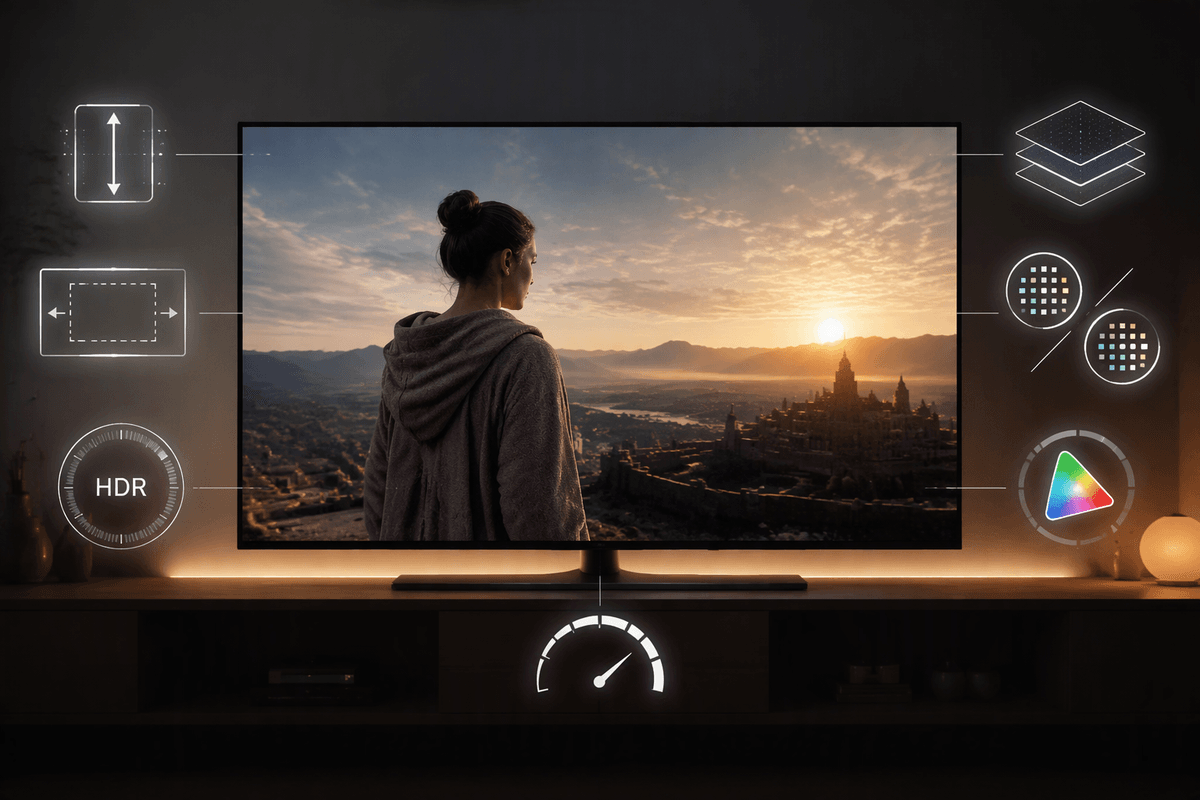
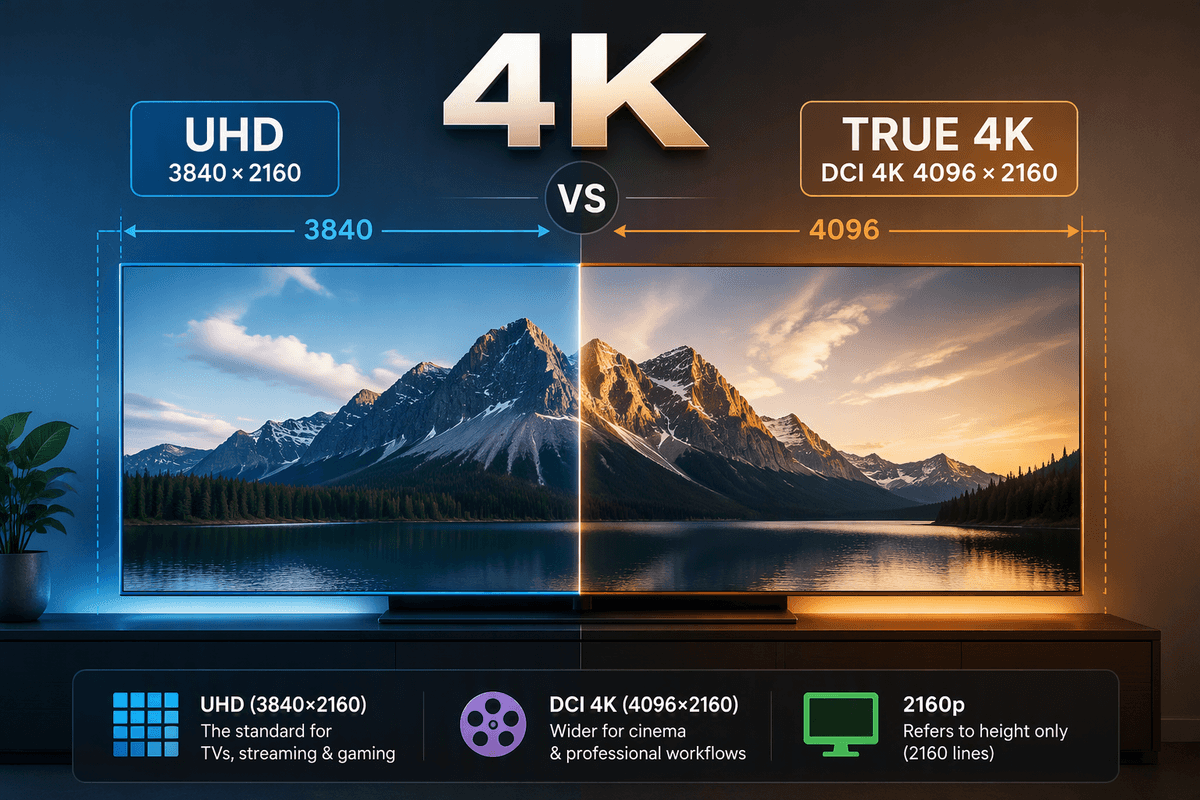
You’ll see “2160p” most often in streaming apps and device settings because it’s a simple, one-number label: 2160 pixels tall, drawn progressively (“p”). That’s useful, but it’s not the full story. It doesn’t tell you the width, so it can’t tell you whether the image is 3840×2160 (the common TV/monitor format) or 4096×2160 (a cinema format that’s slightly wider). It also doesn’t say anything about HDR, color depth (8-bit vs 10-bit), color range, or bitrate—details that often make a bigger visible difference than a small change in pixel width.
In real listings, “2160p” is best treated as “this is in the 4K/UHD class,” then you confirm the exact resolution and features elsewhere in the specs. That extra checking is a small hassle, but it can save you from paying for a “4K” label that doesn’t match your screen or playback device.
UHD: the consumer standard built for 16:9 screens
You’ve probably noticed that most TVs and monitors sold as “4K” share the same shape: the familiar 16:9 rectangle. UHD (Ultra High Definition) is the consumer standard designed around that shape, and its defined pixel grid is 3840×2160. That width matters because it lines up cleanly with 1920×1080 Full HD—exactly double in both directions—so scaling is straightforward for TVs, streaming boxes, game consoles, and PC graphics settings.
In day-to-day use, this is why “4K TV” almost always means UHD. Streaming services typically master and deliver “4K” shows in 3840×2160, and TVs are built to map that signal pixel-for-pixel without cropping or adding black bars. The practical constraint is that the label still doesn’t guarantee quality: two UHD streams can look very different depending on bitrate, compression, and whether you’re actually getting HDR and 10-bit color.
True 4K: the cinema spec with a wider frame
True 4K usually means the cinema standard called DCI 4K, which is 4096×2160. Notice what changed: the height is still 2160, but the image is wider than UHD’s 3840×2160. That extra width fits cinema framing better, where screens and “scope” presentations don’t always match a 16:9 TV. If you’re watching a movie that was mastered in a wider aspect ratio, the “4K-ness” is less about filling your TV edge-to-edge and more about capturing fine detail before the image is letterboxed.
On a typical 4K TV or monitor, a 4096×2160 source can’t map perfectly without a choice. Most consumer devices will scale it down slightly to 3840 wide, or they’ll crop the sides to preserve height and fill the screen. Either approach is usually subtle, but it’s a real constraint if you’re editing video, using a projector, or buying a display that advertises “DCI 4K” and you expect it to behave exactly like a UHD TV input.
Why people call UHD “4K” even when it’s not
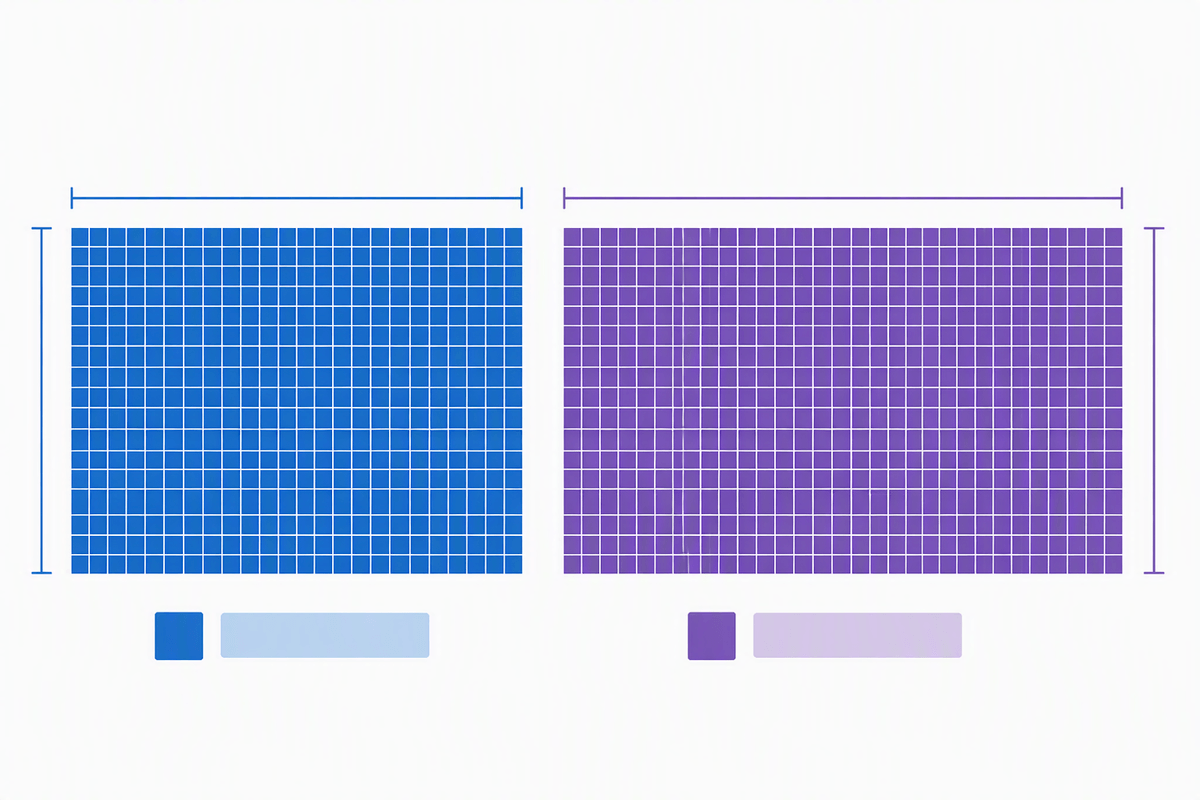
You’ll hear UHD called “4K” because it’s close enough for most shopping and viewing, and the “4K” label is easier to market than “3840×2160.” UHD’s width is 3,840 pixels, which is roughly four thousand, so the nickname stuck the way “1080p” became shorthand for Full HD. Streaming apps and TV menus reinforce it by using “4K” as a simple tier name, even when the actual delivered format is UHD.
The mismatch rarely causes obvious problems because UHD is the dominant consumer target: TVs, game consoles, and streaming boxes are built around 3840×2160. The practical downside is that “4K” stops being a precise promise. A listing can say “4K” while glossing over whether it’s UHD vs DCI 4K, or whether the real quality limit is bitrate, HDR support, or the HDMI version on your gear.
Where the difference shows up in real life
You usually won’t “see” the UHD-versus-DCI width difference when you press play on a streaming app, because consumer delivery pipelines are built around 3840×2160. Where it shows up is when something in the chain expects a specific pixel grid. A PC connected to a “DCI 4K” monitor might offer 4096×2160 in graphics settings, but most TVs and many receivers only accept 3840×2160 timings, so you may end up stuck at UHD anyway. In video editing, a 4096-wide timeline exported to a UHD deliverable can introduce a small scale-down or a crop choice, which matters if titles or framing are tight near the edges.
Movies are the other place people notice side effects. Many films are wider than 16:9, so even a perfect UHD “4K” stream will still have black bars; the bars come from the movie’s aspect ratio, not from “missing” pixels. The practical gotcha is that some devices handle odd inputs differently: a 4096×2160 file might play, but trigger extra scaling, higher GPU load, or compatibility issues with cheaper media players—problems that look like “4K is flaky” when it’s really a standards mismatch.
A quick decision guide for buying, shooting, or exporting
If you’re buying a TV or monitor for streaming, gaming, or general PC use, treat “4K” as UHD and look for an explicit 3840×2160 spec. Pair that with the stuff that actually changes what you see: HDR format support, 10-bit handling, peak brightness, and enough HDMI bandwidth for the refresh rate you want. If a listing emphasizes “DCI 4K,” assume 4096×2160 is possible, then confirm your sources can output it; many consumer devices still top out at UHD timings.
If you’re shooting, the safest default is to record in the format you’ll deliver. For YouTube, TVs, and most client work, that’s typically UHD (3840×2160). Use DCI 4K (4096×2160) when you specifically want cinema framing or you know the project ends in a DCI pipeline. When exporting, pick one target and stick to it; mixing 4096 and 3840 usually forces either a small downscale or a crop, which can nick titles near the edges and adds a little extra processing time.
Bottom line: match the term to the screen and standard
If your screen is a normal 16:9 TV or monitor, “4K” in everyday shopping language almost always means UHD: 3840×2160. “2160p” just confirms the height, so it’s a useful clue, not a guarantee of the exact format. Save “true 4K” for DCI 4K: 4096×2160, which is mainly relevant for cinema workflows and some pro displays. The practical move is simple: buy and export to the pixel grid your gear expects, then spend your effort on the factors you’ll actually notice—HDR support, brightness, refresh rate, and bitrate—because those can outweigh a small width difference.