You’re tempted—here’s what “worth it” really means
You don’t buy a PS5 because it’s “next-gen.” You buy it because the upgrade changes what you actually do on a weeknight: how quickly you get into a game, how smooth it feels, what you can play, and how much friction you tolerate before you give up and scroll your phone instead. “Worth it” is a mix of time, money, and attention. If you only play a couple of big releases a year, a PS4, PC, or even cloud/subscription gaming might cover you. If you play often, the PS5’s speed, performance headroom, and ecosystem conveniences become a daily quality-of-life upgrade—and those add up.
Before you buy: what kind of gamer are you?
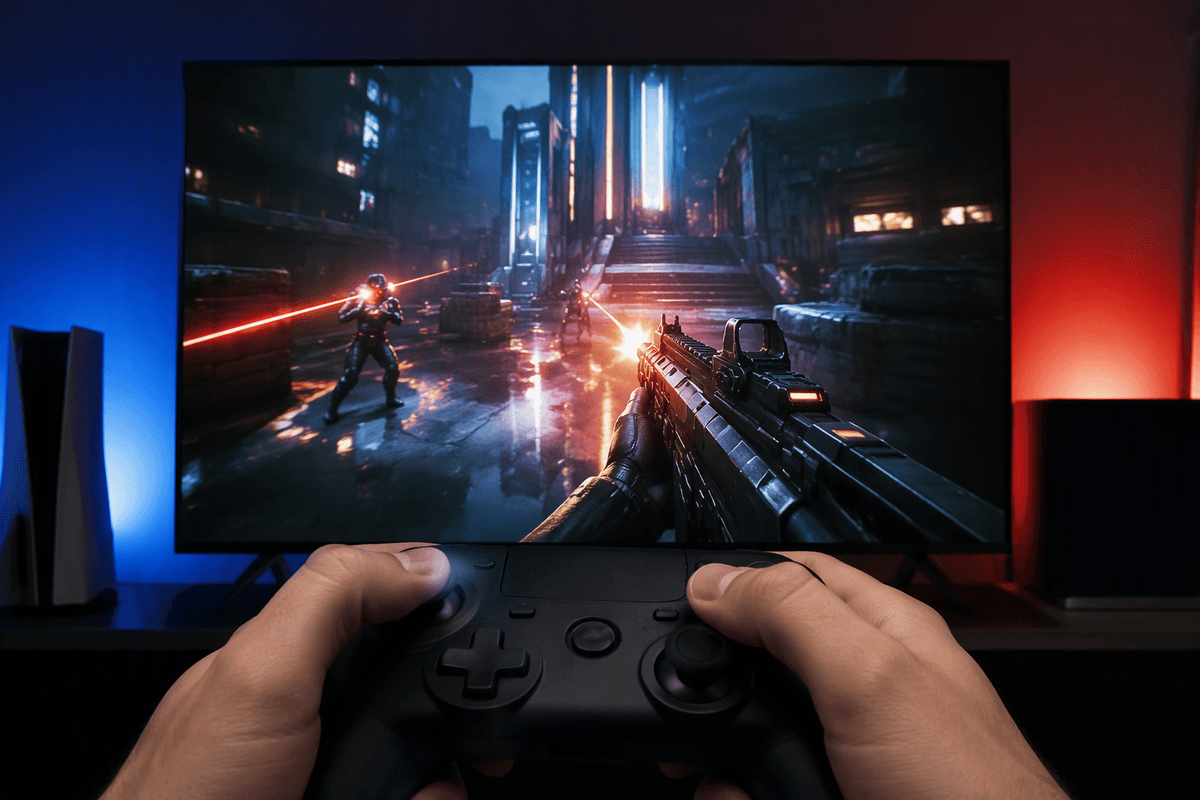
Picture your last month of gaming: did you bounce between short sessions, or sink hours into one big game? If you play in 30–60 minute bursts, PS5 value comes from speed and convenience—near-instant resumes, fast loads, and a UI that gets you playing instead of waiting. If you mostly play competitive shooters or sports games, your “worth it” hinges on frame-rate stability and lower input delay, not raw resolution. If you live on story-first single-player releases, exclusives (and timed exclusives) matter more than specs. If you mainly play indies, older hits, or co-op staples, you may not feel the leap unless you’re also buying into PS Plus or you want the quieter, snappier hardware experience.
Be honest about your budget, too: the console is just the start. A second controller, a headset, and a few full-price releases can push the real cost up quickly.
Reason #1: Exclusive games and Sony’s first-party pipeline
If you care about big, polished single-player releases, exclusives are still the clearest “PS5-only” argument. Sony’s first-party studios tend to make the kind of games people buy consoles for—story-heavy, cinematic, high production values—and when those games land, they’re often technical showpieces that feel meaningfully better on PS5 than on older hardware. Even when a title isn’t permanently exclusive, timed exclusives can matter if you’re the type who plays at launch to avoid spoilers and be part of the conversation.
The practical catch is timing. Sony’s pipeline isn’t a steady monthly drip; it’s more like occasional tentpoles, plus remasters, expansions, and cross-gen releases. If you’ll only buy one or two of these games a year, it can be smarter to wait for a must-have announcement (or a bundle) rather than paying today for a promise. If you already have a PS4 and mostly play third-party, exclusives alone may not move the needle.
Reason #2: Performance upgrades you’ll notice immediately
One of the easiest PS5 benefits to feel isn’t 4K—it’s pace. Load times shrink enough that fast travel, restarts after a failure, and bouncing between games becomes something you do without thinking. If you game in shorter sessions, this matters more than a spec sheet, because less waiting means you actually play more (or quit less). The UI and installs are still “console stuff,” but the day-to-day friction drops.
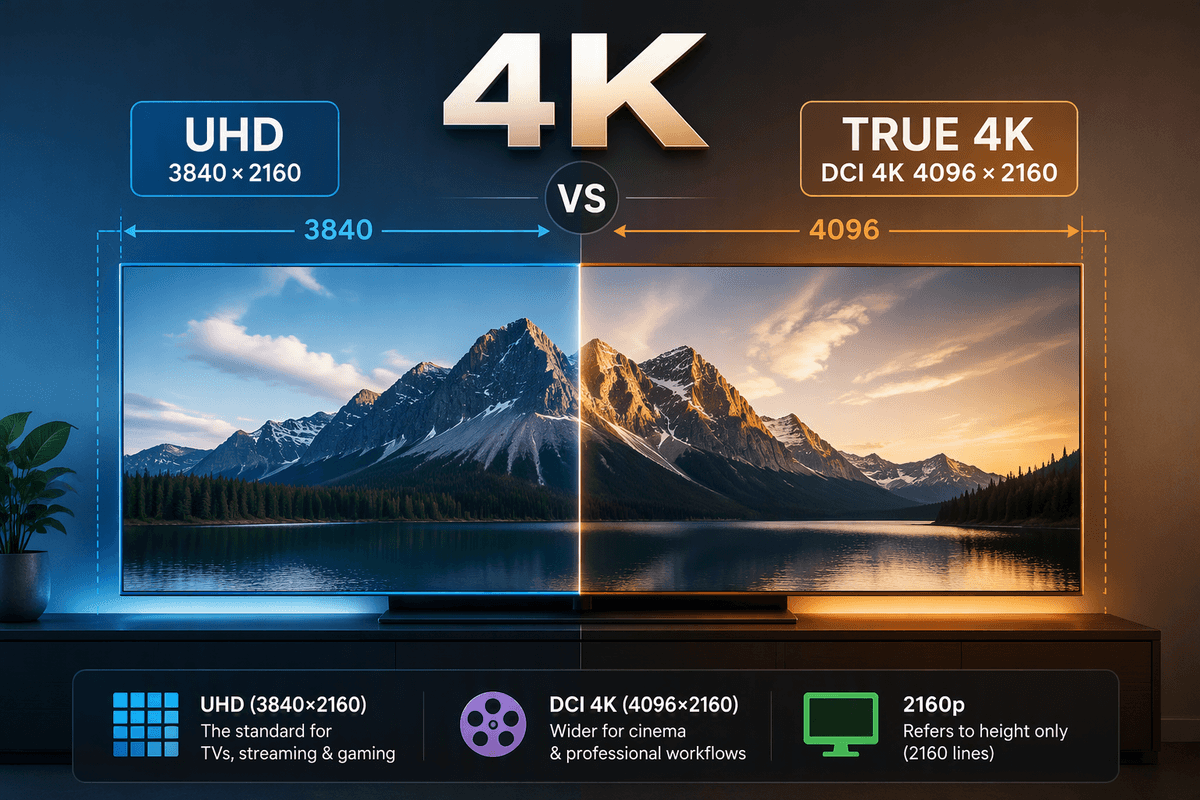
Then there’s smoothness. Many games offer a 60 fps mode (and some go higher on supported displays), which makes camera movement and aiming feel cleaner and reduces that “draggy” sensation you might have accepted on PS4. Even if you don’t care about competitive play, stable frame rate improves readability in busy scenes. The practical limitation: you won’t see the full payoff on every title, and if you’re on an older 1080p TV, resolution upgrades matter less than performance modes.
Reason #3: DualSense makes even old genres feel new
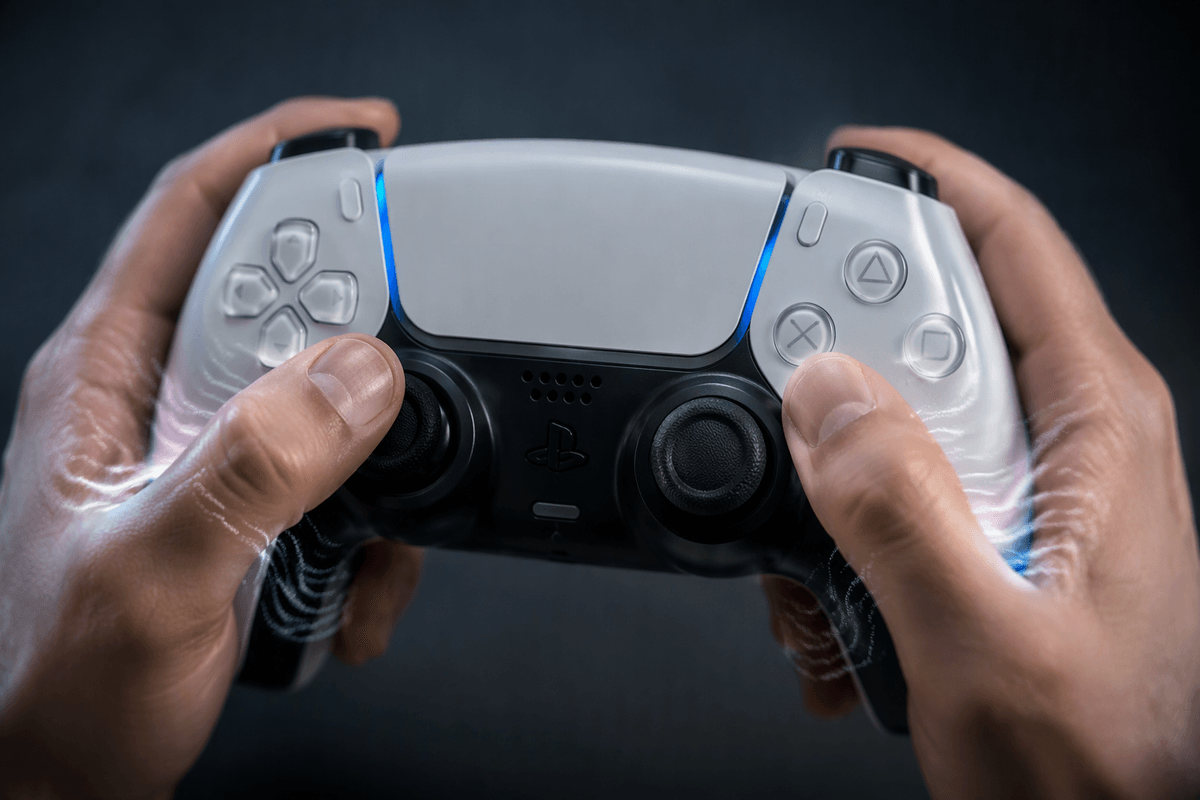
The DualSense controller is the most “you have to feel it” PS5 upgrade, and it changes how familiar genres land in your hands. Haptic feedback can make surfaces and impacts distinct instead of just vibrating the same way for everything—gravel crunch, rain patter, recoil, or a heavy landing can read as different textures. Adaptive triggers add resistance that can make actions like drawing a bow, braking in a racer, or managing a weapon’s kick feel more physical, which can subtly improve timing and immersion even in games you’ve played a hundred times.
The catch is support and taste. Some games use DualSense lightly, and a few players simply prefer “classic” loose triggers for shooters or long sessions. You can usually dial features down, but the controller’s bigger battery drain and the cost of a second DualSense (especially for couch co-op) are real line items. When a game leans in, though, it’s one of the few PS5 features that feels genuinely new rather than just sharper.
Reason #4: PS Plus and backward compatibility add value
If you already have a PS4 library, PS5 backward compatibility can make the upgrade feel less like a clean break and more like a “hardware refresh.” Most of your existing games just work, and many run better—steadier frame rates, faster loads, and in some cases a dedicated PS5 patch that meaningfully improves image quality. That matters if you’re the kind of player who rotates through comfort games instead of constantly buying new releases, because the console is improving what you already own, not just what you might buy later.
PS Plus is the other lever, especially if you want variety without paying $70 every time curiosity strikes. The higher tiers can function like a curated backlog: big-name hits, co-op staples, and older classics you might have skipped. The practical constraint is that subscriptions are a recurring cost and the catalog changes, so “value” depends on whether you’ll actually play two or three games a year from it, not just browse it. If you’re primarily a one-game-at-a-time player, PS Plus can be optional rather than essential.
So, is the PS5 worth it for you?
If you play most weeks, bounce between a few games, or you’re tired of loading screens and unstable frame rates, the PS5 is easy to justify as a quality-of-life upgrade that you’ll feel daily. It’s also a strong buy if Sony exclusives are “day-one” games for you, or if your PS4 backlog is big enough that faster, smoother versions effectively become your new default.
Wait if you mostly play cross-gen third-party games, only buy one or two releases a year, or you’re stretching your budget—because the real cost often includes at least one full-price game, PS Plus, and maybe a second DualSense. Skip if you’re happiest on PC, or if Xbox Game Pass is how you actually discover and finish games.